


FUSE FLEET DRIVE APP
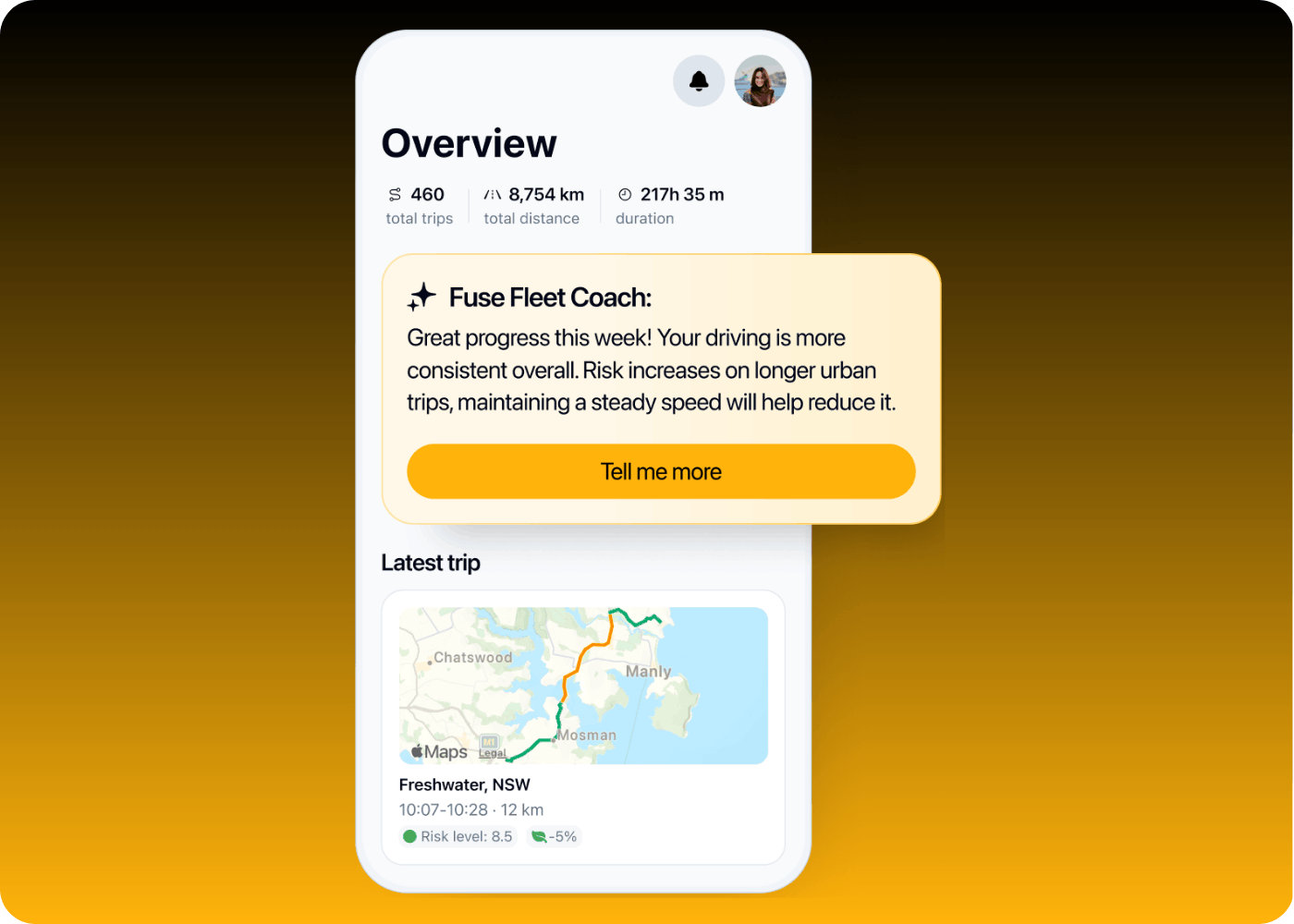
INSIDE THE APP
The Fuse Fleet Drive App gives you real-time driver behaviour insights to address high-risk driving, build a safer driving culture, reduce accident rates and work towards a better insurance premium – no connected vehicles required.
- No hardware, no fit-out – just download the app and start driving today.
- Real-time risk insights for every driver, on every trip.
- Fuse Fleet Coach helps build a safer driving culture across your fleet.
- A risk profile that can support a better premium with Fuse Fleet, over time.
THE APP IN ACTION
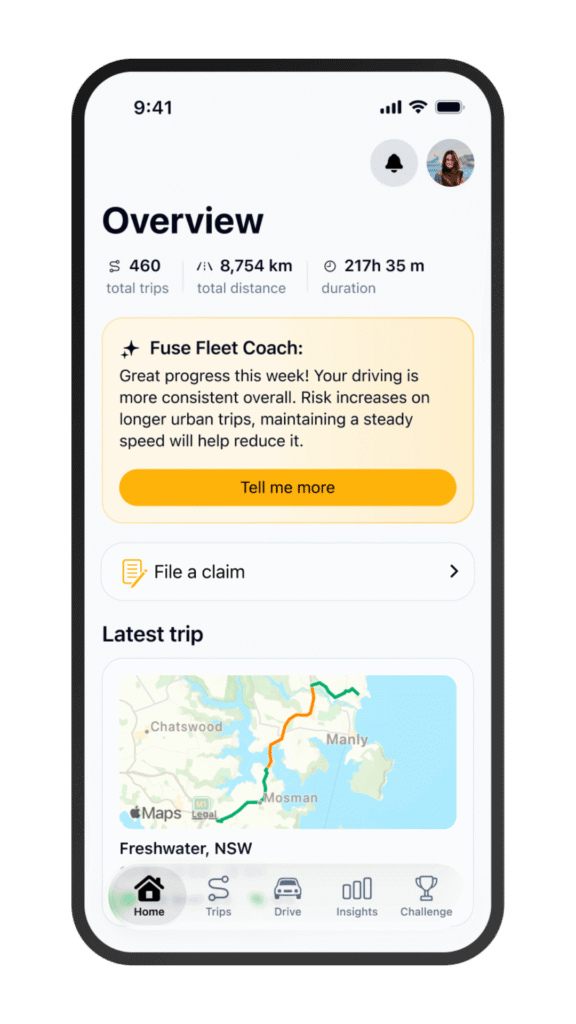
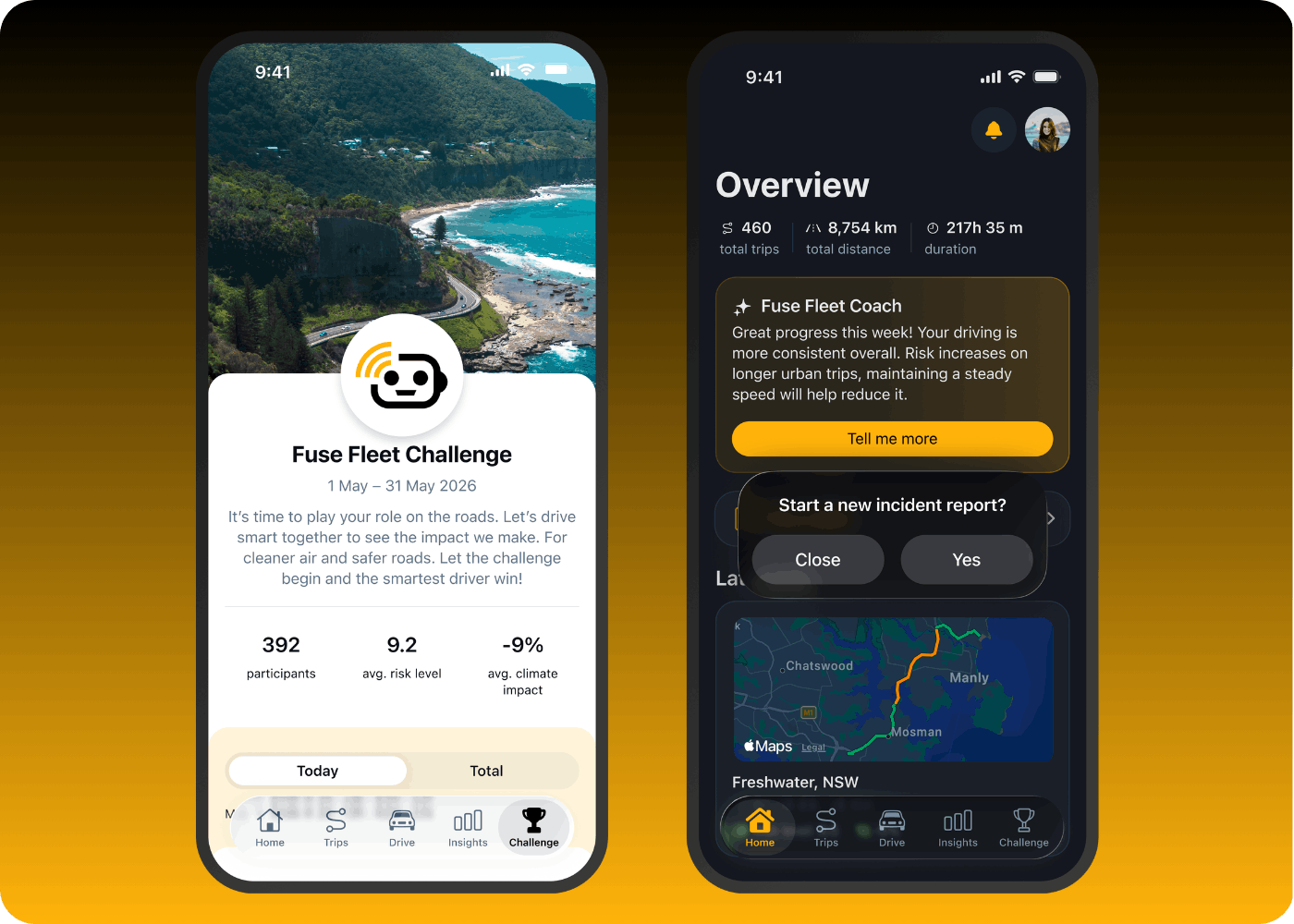
Make every trip safer plus lodge claims
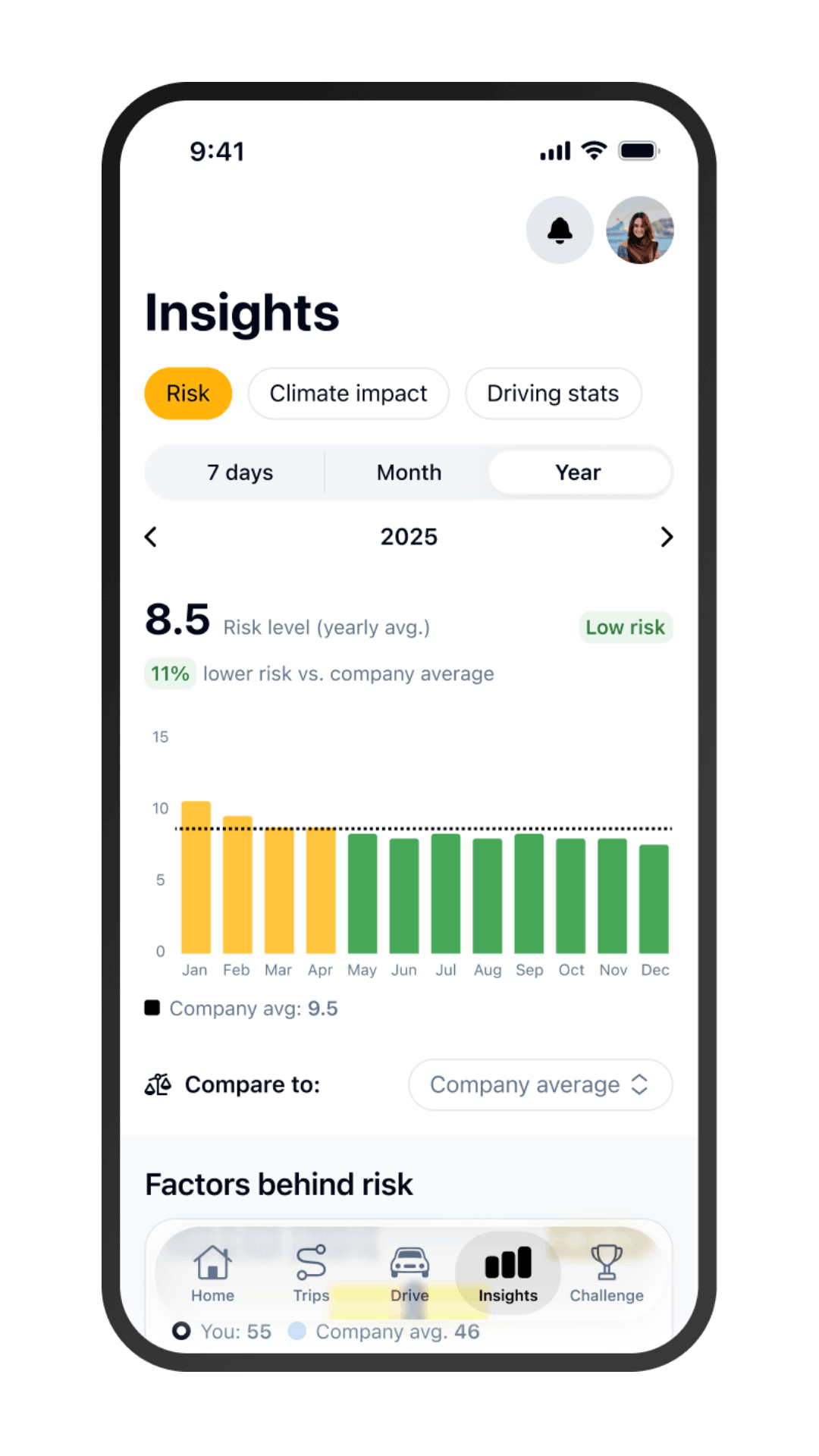
Deep dive into your driving statistics
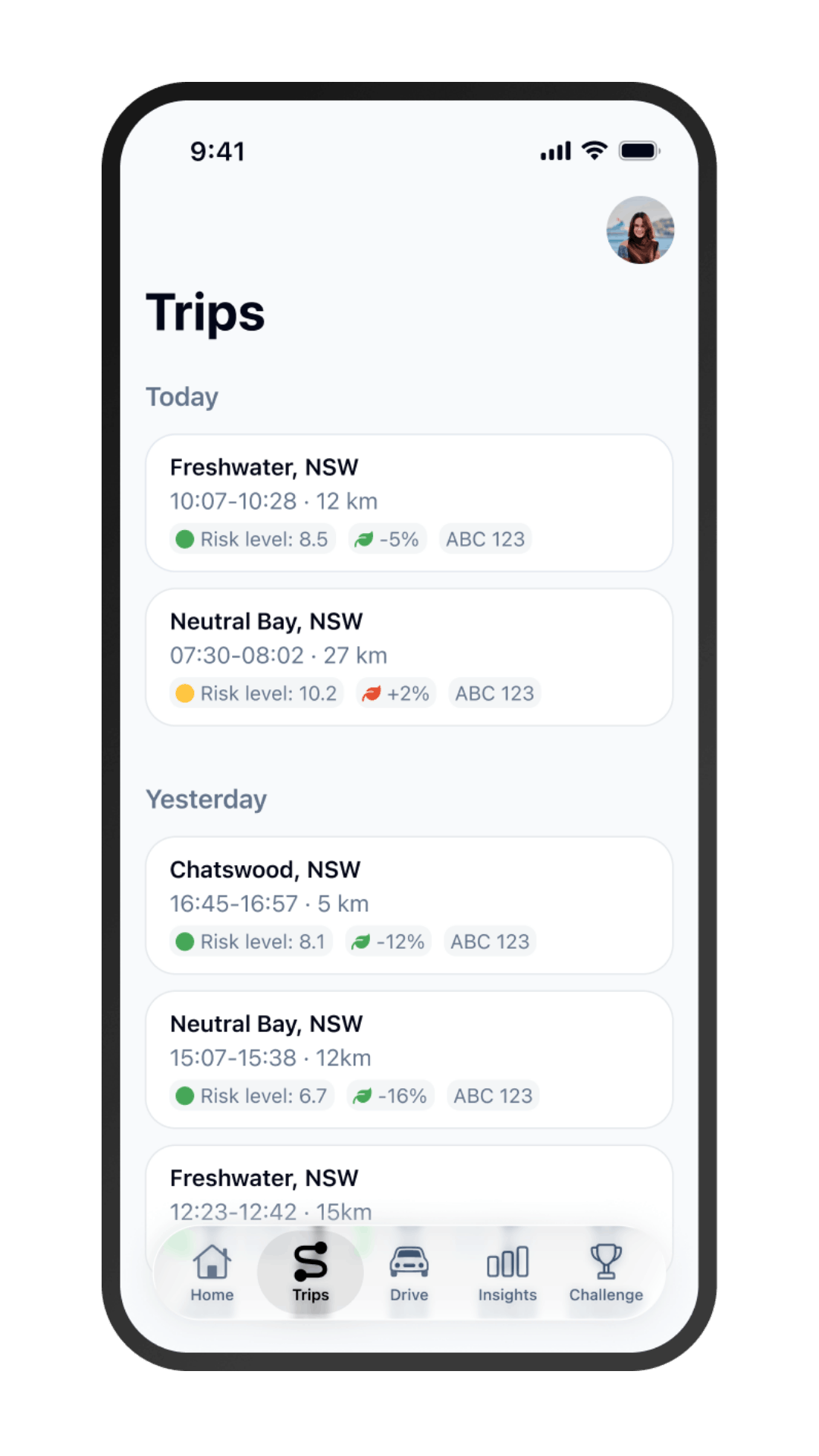
Monitor trip insights and learn from the Fuse Fleet Coach
APP FEATURES
From coaching to claims, the Fuse Fleet Drive App covers the full driving experience with no vehicle connections required:
- Home view – a daily snapshot of risk, trips and challenges, at a glance.
- Fuse Fleet Coach – personalised, actionable coaching after every trip.
- Trips and trip view – full trip history with risk and climate impact.
- Insights – track risk, climate impact and driving stats, benchmarked against company, global or personal averages.
- Challenges – leaderboards and competitions that build a safer driving culture.
- File a claim – report incidents directly from the app, wherever you are.
GET CONNECTED
Get connected to the Fuse Fleet Drive App in four easy steps.

Get your
company code
Fuse Fleet sends your company code to share with your drivers.

Download
and register
Drivers download the App, create an account and enter the company code. App Store and Google Play buttons sit under this box.

Set
permissions
Follow the simple in-app setup, enabling “always-on” location and pair the vehicle with Bluetooth. If you drive multiple vehicles, you will need to pair each vehicle.

Crash
Probability Hub
Once your drivers are connected and driving, your data will be available in the Crash Probability Hub.